
Buildy Portal: Your Project Hub
Buildy Portal gives you and your clients one secure place to collaborate, share files, track projects, and keep everything organized.
Why Choose Buildy Portal?
Managing work and communication across email and disconnected apps wastes time and causes frustration. Buildy Portal brings files, tasks, updates, and feedback together—making client relationships smoother and projects more professional.
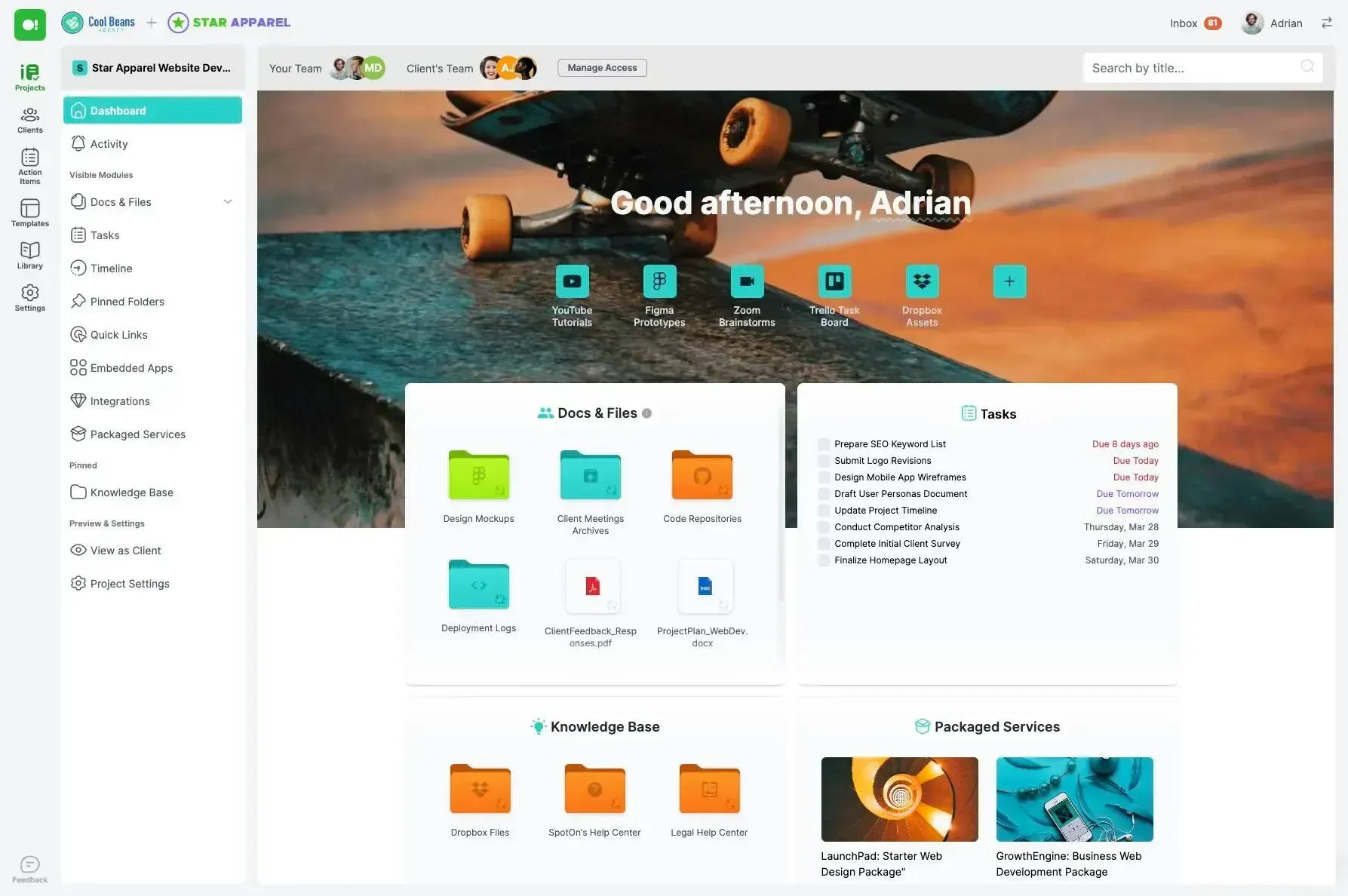
All-In-One Workspace
Centralize client projects, shared files, deliverables, contracts, and communications. No more searching through emails or juggling shared drives.
Branded Experience
Impress with a fully customizable portal—your logo, colors, and domain. Give every client a seamless and professional online experience.
Project & Task Tracking
Track milestones, deadlines, to-dos, and approvals. Assign tasks, share feedback, and keep everyone aligned in one dashboard.
Agencies & Studios
Deliver a modern client experience. Share assets, reports, proposals, and updates—all in one secure spot.
Freelancers & Consultants
Look bigger and more professional by offering clients a branded workspace for ongoing collaboration.
Professional Services
Streamline ongoing projects, contracts, and client communication with centralized access and permission controls.
SMBs & Teams
Organize all projects, resources, and client documents for internal teams or customer support—no tech skills needed.
Working With Solution Partners
Our solution partners help you configure, brand, and set up your Buildy Portal. They provide guidance, training, and ongoing support—so you get the most from your client hub, right from day one.
Can I use my own branding?
You can customize the portal's appearance to match you clients brand.
Is it secure for document sharing?
Absolutely. Files and client information are encrypted and safely stored.
Can I manage multiple clients and projects?
Yes—create separate workspaces, manage permissions, and easily organize projects.
Will my clients need training?
No. The interface is intuitive and user-friendly for both you and your clients.
Who can help me set it up?
Our solution partners will guide your onboarding and make sure you’re ready to go.